
The main differences between refurbished printers and refurbished copiers are their features, performance, and uses in an office. Printers are best for producing high-quality text and images, while copiers focus on scanning, duplicating, and finishing large volumes of documents. Refurbished models of both give businesses a cost-saving option without losing reliability. Understanding copier features, total cost of ownership, and long-term performance will help you decide which machine fits your needs best.
Introduction: Why Businesses Compare Printers and Copiers
Every office needs reliable equipment to manage documents and keep workflows running smoothly. Many businesses ask about Refurbished Printers vs Refurbished Copiers: What Are the Differences, and the answer is important for cost savings, performance, and productivity. Choosing the wrong device can increase expenses or reduce efficiency.
Companies like Refurbished Copiers specialize in restoring machines so businesses can get the right equipment at a lower price. By knowing the key differences, buyers can make smarter decisions that support both short-term and long-term needs.
Understanding Refurbished Office Equipment
Refurbished machines are not the same as used devices sold “as-is.” Instead, they are inspected, repaired, and tested to meet quality standards. Refurbished printers, refurbished copiers, and refurbished photocopiers often come with warranties and maintenance records, making them dependable choices.
The process includes cleaning, replacing worn parts like toner cartridges or rollers, and ensuring print quality meets expectations. This lowers the upfront cost compared to new copiers or printers while still delivering consistent performance. Businesses also benefit from reduced waste, which helps the environment.
Key Differences Between Printers and Copiers
At their core, printers and copiers are designed for different purposes:
- Printers: Best for producing text and images, especially when print quality is the main priority. Options include laser printers for speed and inkjet printers for sharp color prints.
- Copiers: Built for high-volume tasks such as duplicating documents, scanning, and finishing. Copiers often handle larger workloads with extra features.
While printers focus on output, copiers often include tools that support document management, like scanning and secure storage. For a small office, one device may be enough, but larger businesses may need both.
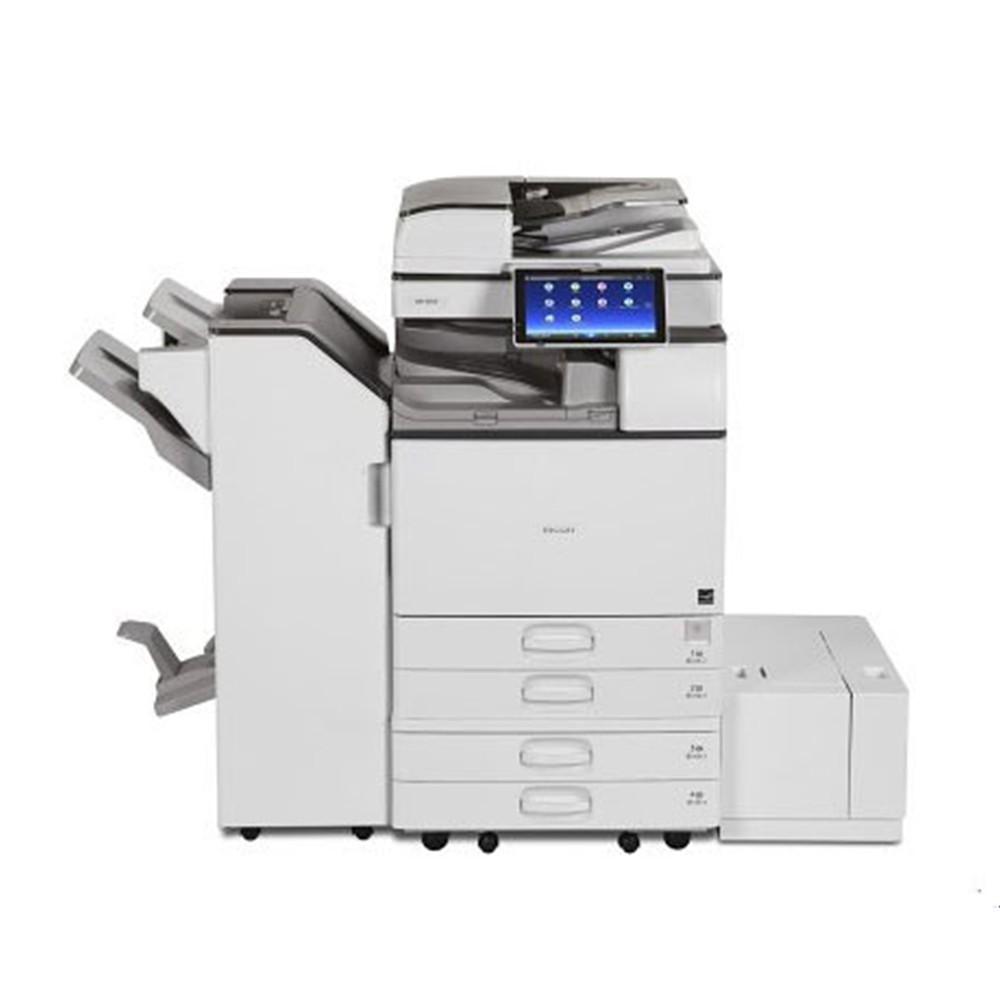
Copier Features vs Printer Features Explained
When comparing copier features to printer features, the difference becomes clear.
- Office copier features: scanning, duplex printing, stapling, hole punching, booklet creation, and large paper handling. These support workflow efficiency and reduce manual tasks.
- Printer features: better for sharp, high-resolution prints. Laser printers are faster and handle high volumes, while inkjet printers are known for image detail.
Used copier features often include finishing tools that printers do not provide. Printers, on the other hand, can be more compact and affordable, making them ideal for smaller businesses.
Multifunction Devices: Printers and Copiers in One Machine
Modern offices often use multifunction printers (MFPs) or multifunction copiers. These machines combine printing, copying, scanning, and faxing in one device. They reduce space and make document management easier.
Multifunction devices are excellent for businesses that need flexibility. Instead of buying separate machines, one product handles multiple tasks. For example, a copier machine that includes finishing options also works as a printer and scanner.
This helps offices save on upfront costs, maintenance, and supplies.
Cost and Total Value of Ownership
Price is one of the biggest differences. A refurbished copier machine may cost more upfront than a refurbished printer, but it often provides better value over time.
Total cost of ownership includes:
- Toner or ink cartridges
- Regular maintenance
- Replacement parts
- Energy costs
While printers may seem cheaper at first, businesses with high-volume needs often find that copiers are more cost-effective copiers in the long run. Buyers should also check for warranties and maintenance records to avoid hidden expenses.
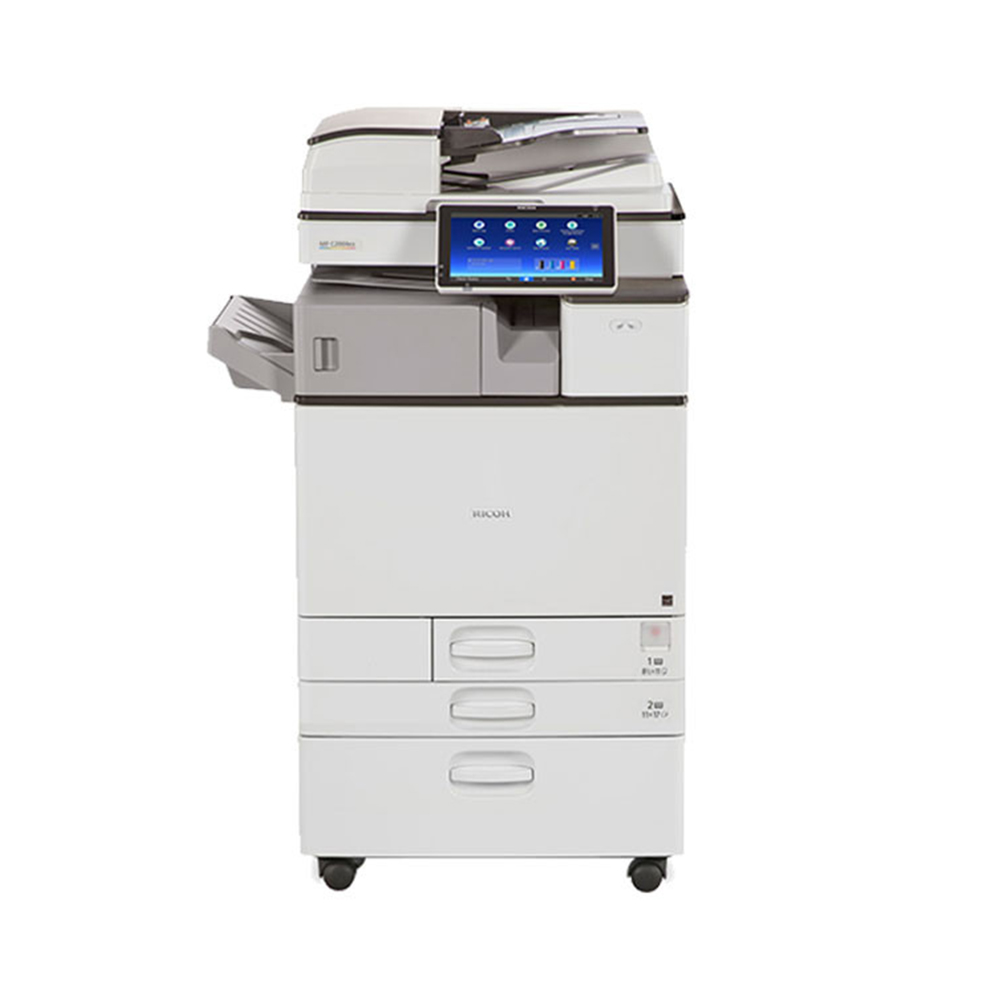
Performance, Reliability, and Maintenance Records
Both refurbished printers and refurbished copiers can deliver consistent performance when maintained properly. Buyers should review maintenance records to confirm the device was serviced regularly.
Reputable brands such as Xerox, Ricoh, and Canon are known for durable machines. A copier or printer from a trusted brand is more likely to perform well after refurbishment.
Businesses should also ask about warranties. This ensures protection if problems arise and shows that the machine meets quality standards. Companies like Refurbished Copiers provide certified models that are tested for reliability.
Sustainability and Environmental Impact
Choosing refurbished equipment supports a circular economy by reducing electronic waste. Both refurbished printers and refurbished copiers lower the environmental impact compared to buying new machines.
Features like energy-efficient copiers or Energy Star-certified printers help businesses reduce power use. Reusing machines also reduces carbon emissions linked to manufacturing and disposal.
In addition, refurbishment prevents perfectly good devices from ending up in landfills. For businesses that value sustainability, choosing refurbished equipment supports both productivity and climate action goals.
How to Choose the Right Machine for Your Business Needs
The best choice depends on your office’s specific needs:
- Choose a refurbished printer if your main focus is high-quality printouts, graphics, or smaller print volumes. Inkjet printers are good for color images, while laser printers are ideal for speed.
- Choose a refurbished copier if your office handles large volumes, requires scanning features in copiers, or needs finishing options like stapling and booklet creation.
- Choose a multifunction device if you want one machine to do everything, from printing to scanning to copying.
Consider factors like budget, workflow efficiency, and document management needs before deciding.
Conclusion: Making an Informed Decision with Refurbished Copiers
The key differences between refurbished printers and refurbished copiers are in their features and purposes. Printers focus on high-quality output, while copiers handle scanning, finishing, and large-volume duplication. Both devices, when refurbished properly, can provide reliable performance, lower costs, and a reduced environmental impact.
Buying from trusted suppliers ensures the equipment is tested, certified, and ready for office use. Whether you need print quality, document management tools, or multifunction devices, the right choice depends on your office’s daily demands.
If you want to save costs and improve productivity, refurbished machines are a smart solution. Make sure you choose a supplier who provides warranties, service support, and equipment from reputable brands.
Upgrade your office with the right machine today. Explore refurbished options that fit your business needs and enjoy quality performance at a fraction of the cost.